
i-Phone users

1. Go to the "App Store" on your phone.

2. Go to "search".
3. Type "Beethoven Walks".
4. Click on "Get".
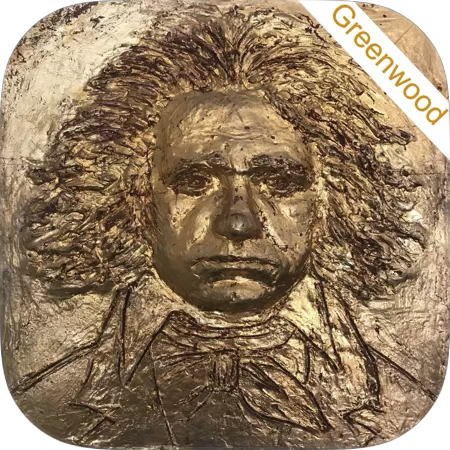
5. Look for the Beethoven Walks app image on your phone among your other apps.
Android Phone Users

Follow the directions above starting wtih "Google Play".
Troubleshooting
For help downloading your app, email us at beethovenwalks@yellowbarn.org or call (802) 387-6637.